Kill Switch Issues
Kill Switch Is Not Working on Windows
Problem : The Kill Switch does not behave as expected when the VPN connection is interrupted.
- 1
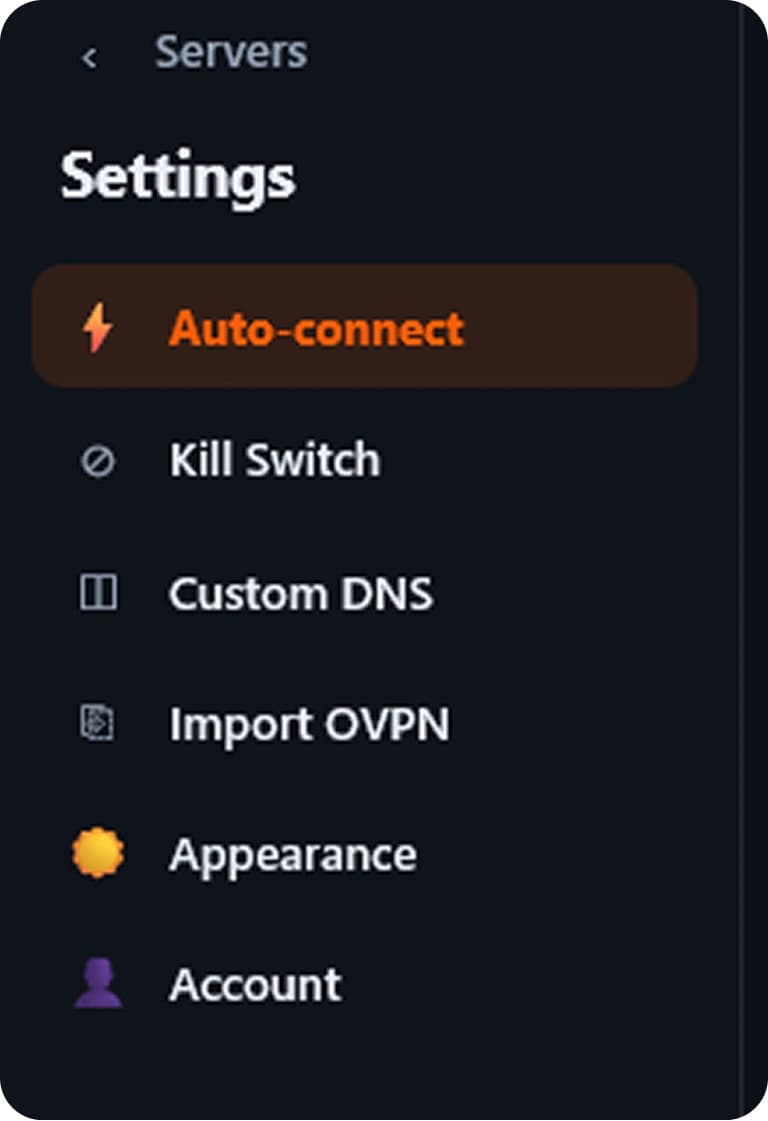
Open BorderlessVPN Settings
Open BorderlessVPN and go to Settings.
- 2
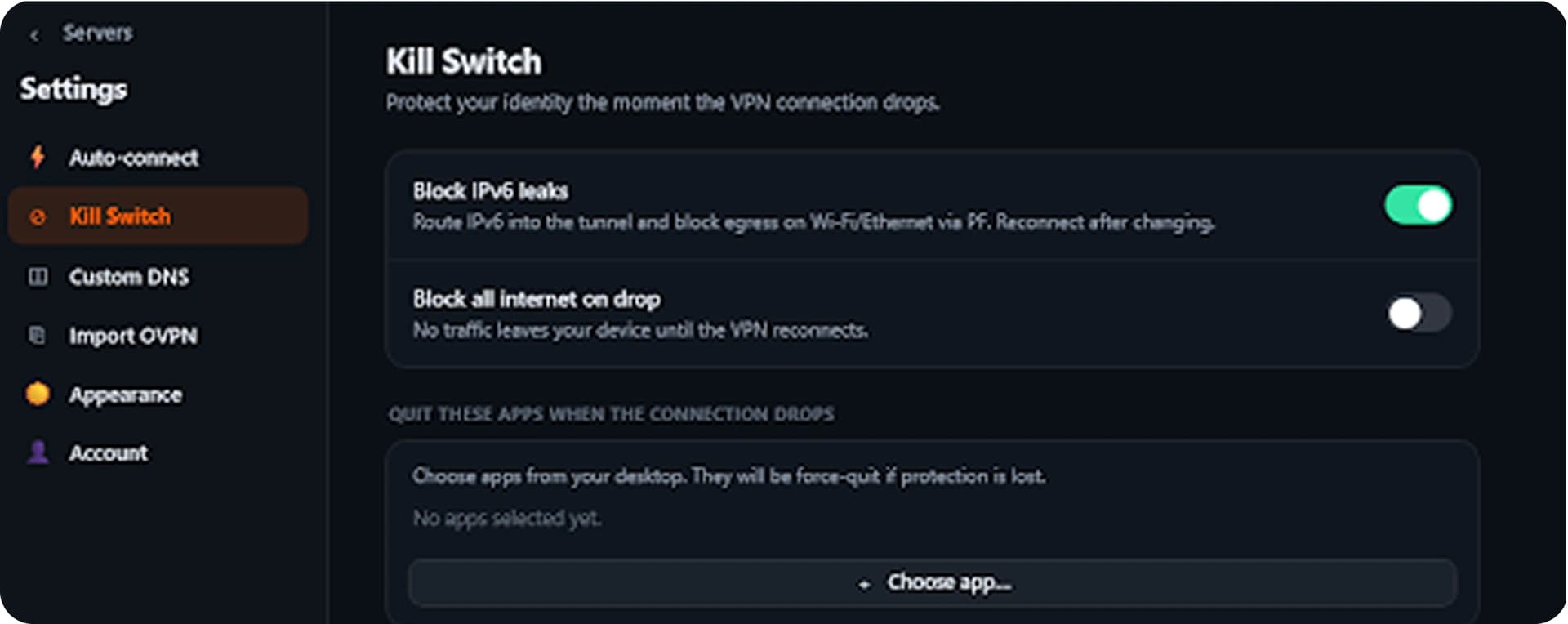
Check Kill Switch
Make sure the Kill Switch option is enabled.
- 3
Connect to a VPN server
Connect to a VPN server and verify that the Kill Switch is active.
- 4
Update BorderlessVPN
Make sure you are using the latest version.
- 5
Contact Support
If Kill Switch does not behave as expected, contact Support.