How to Manage a Division
Owners can fully manage division components, including servers, Division Admins, and Members:
- 1
Go to Organization menu and click Divisions tab, and click View Detail for the target division.
- 2
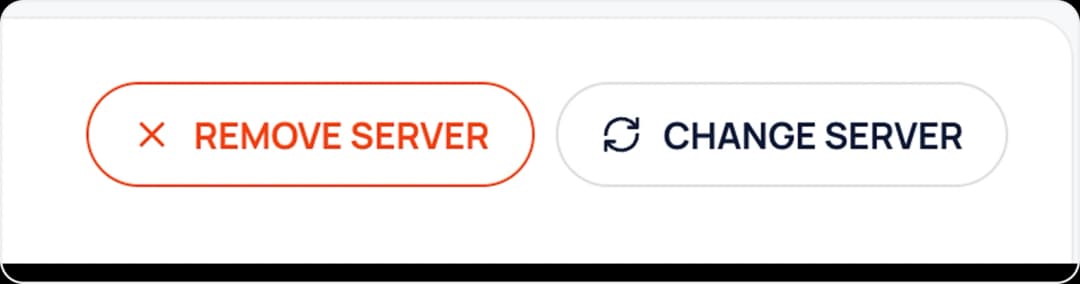
In division detail, you can add/change/remove server by click Add Server, Change Server, Remove Server buttons.
- 3
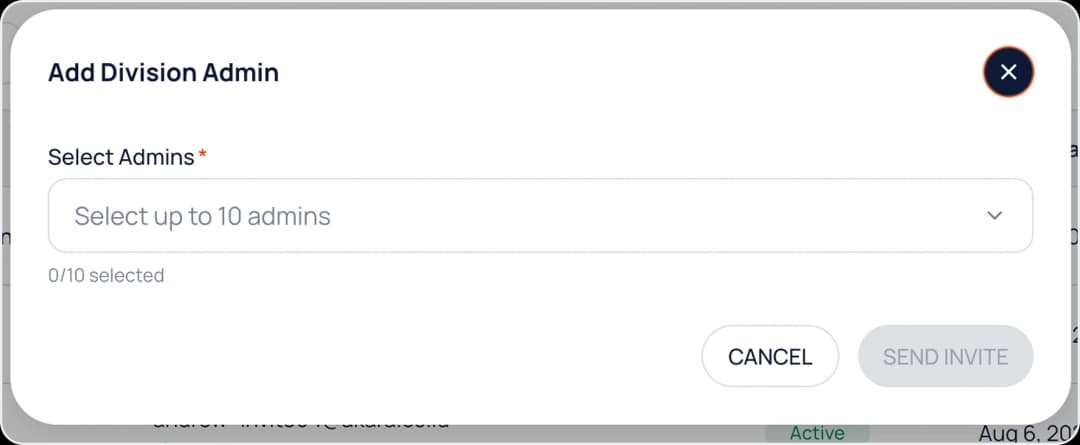
You can add Admin by clicking the Add Admin button and selecting up to 10 peoples.
- 4
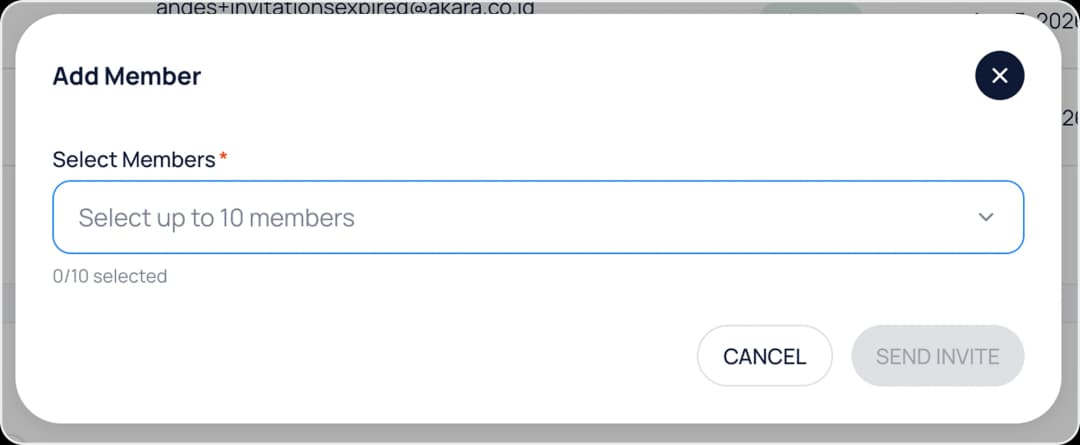
You can add Member by clicking the Add Member button and select up to 10 members.
- 5
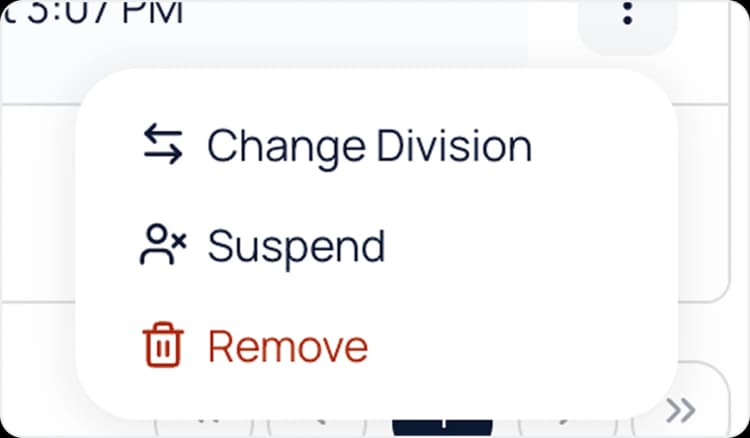
You can change division of Admin Division/Member by clicking the Change Division button and select the new division to be transferred.
- 6
You can suspend Admin Division/Member by clicking the Suspend button.
- 7
You can detach an Admin or Member from the division by clicking the Remove button.