How to Create a Division
As Owner of a corporate account, you can set up divisions and assign servers:
- 1
Go to Organization menu and click Divisions tab
- 2
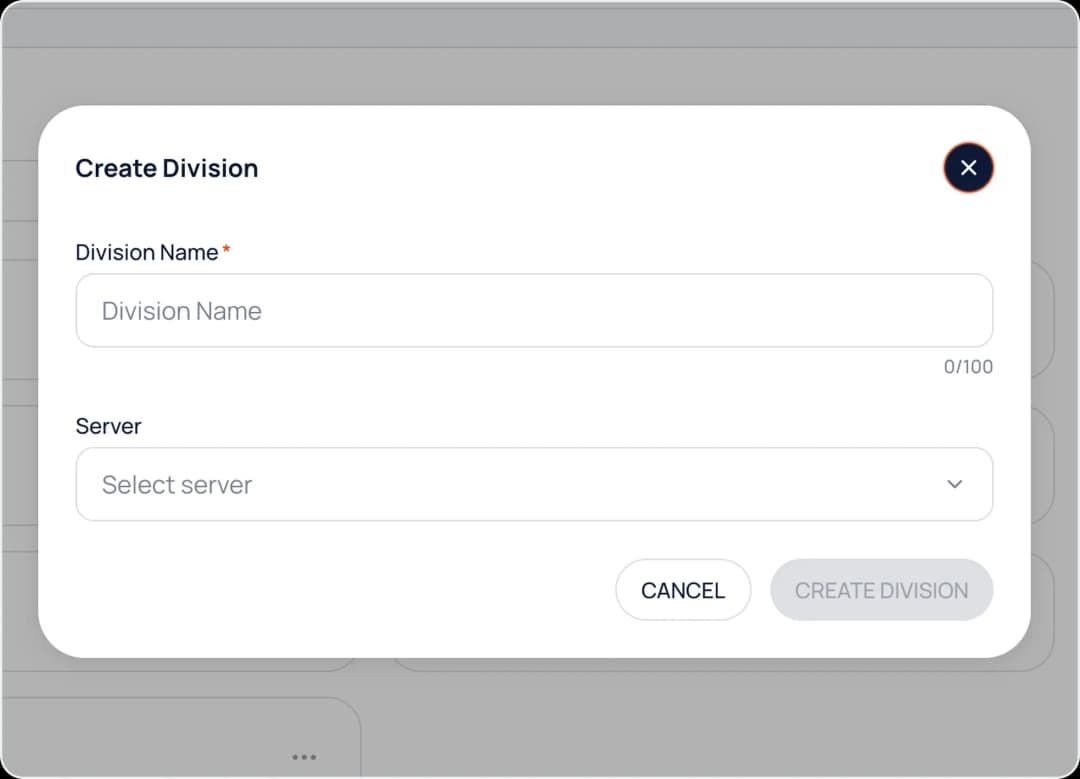
Click the Create Division button, enter the division name, and assign an available server.
- 3
Once created, click View Detail to manage division resources, admins, and members.