How to Invite Members into a Corporation?
As Owner of a corporate account, you can invite members based on your available member licenses:
- 1
Go to the Organization menu and click the Members tab.
- 2
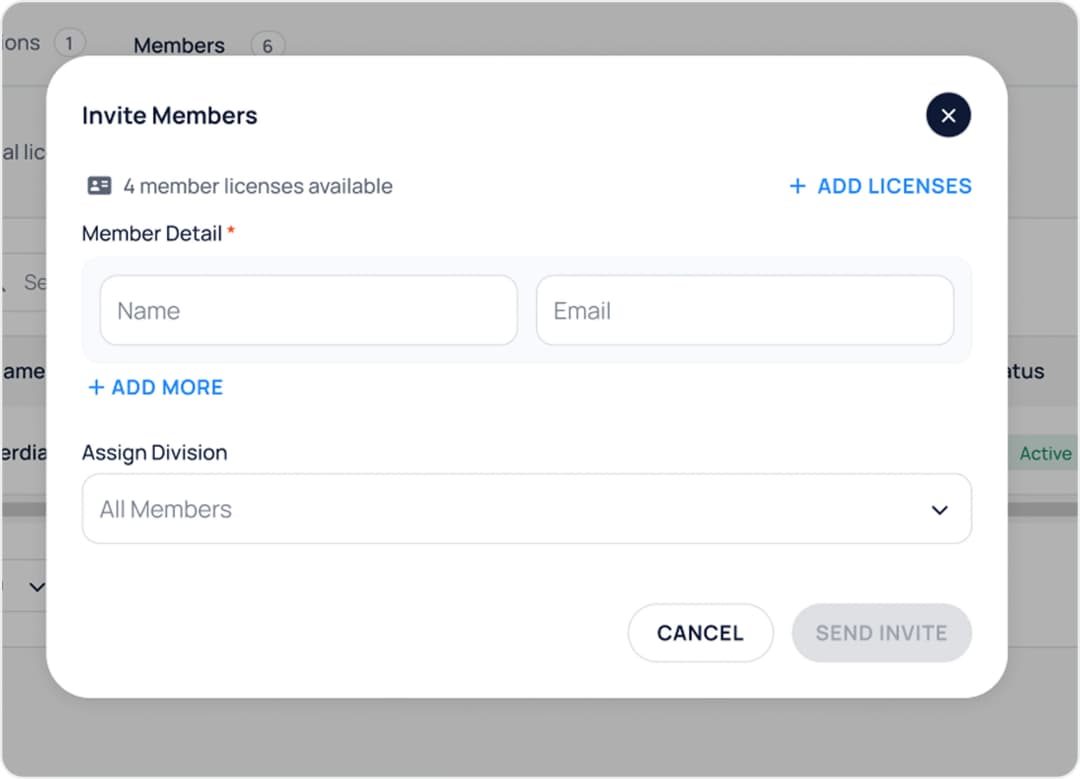
Click the Invite Members button, then input the names and emails of the members you wish to invite.
- 3
Invited members will receive an email invitation. Upon accepting and setting a new password, they can download the BVPN Corporate app, log in, and begin using the services.