How Owners Assign Roles and Divisions
As Owner of a corporate account, you can assign the role and division to organization employees. Here are the steps :
- 1
Go to Organization menu and click Divisions tab
- 2
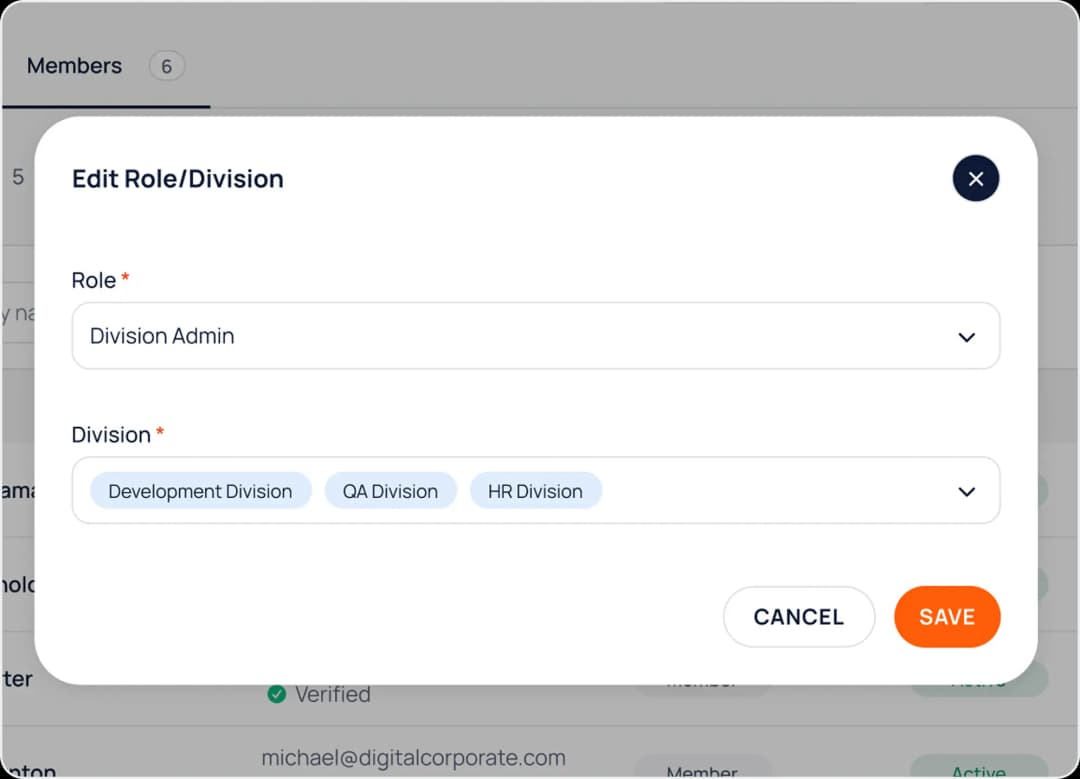
Click Edit Role/Division button at the employee that you want to manage.
- 3
Select which role and/or division this employee will be assigned, and click the Save button