How to set up BorderlessVPN on Android
- 1
Download
Download and install the BVPN application from Play Store.
- 2
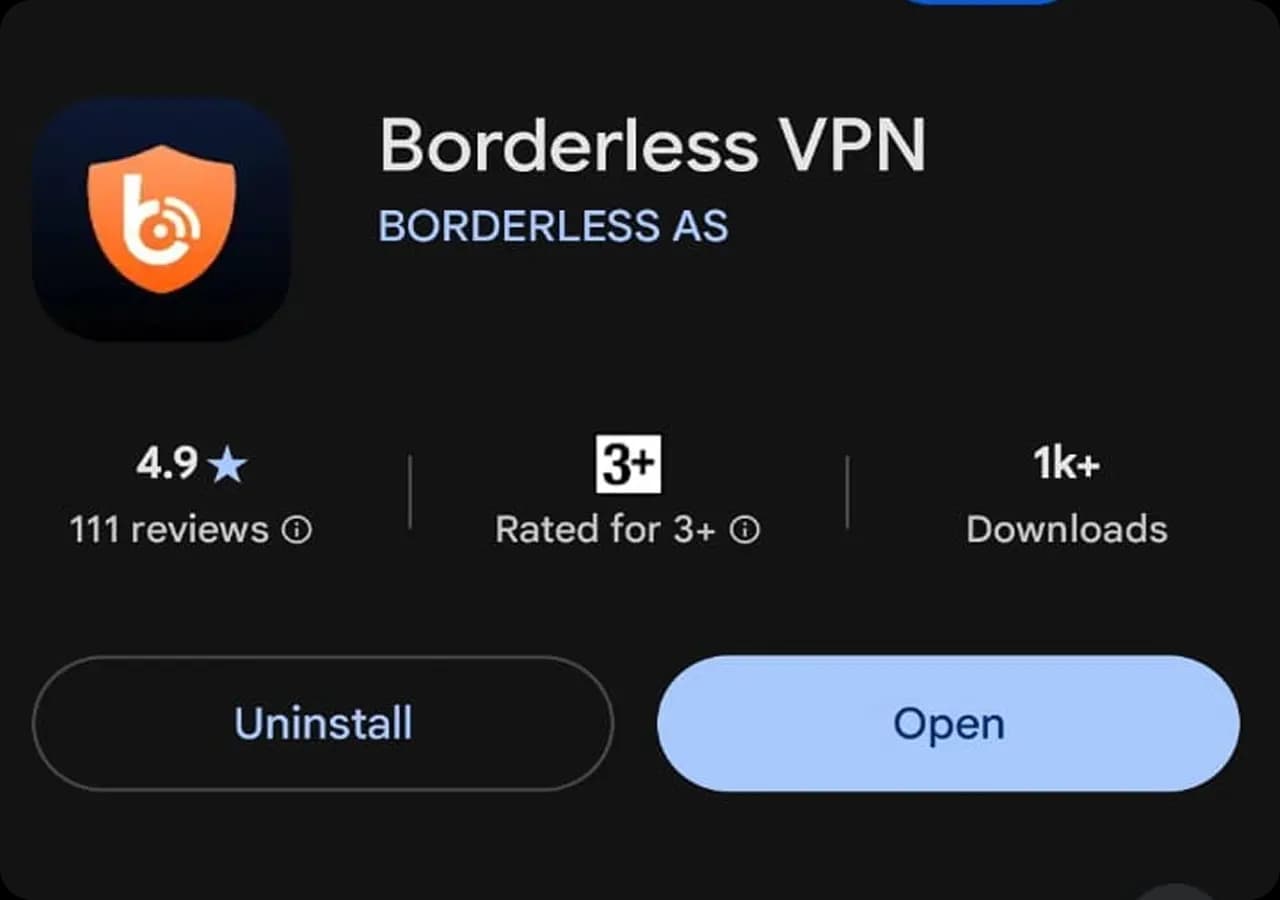
Open BorderlessVPN
Once the installation is complete, tap Open to launch BorderlessVPN. You can also find the app on your Home Screen.
- 3
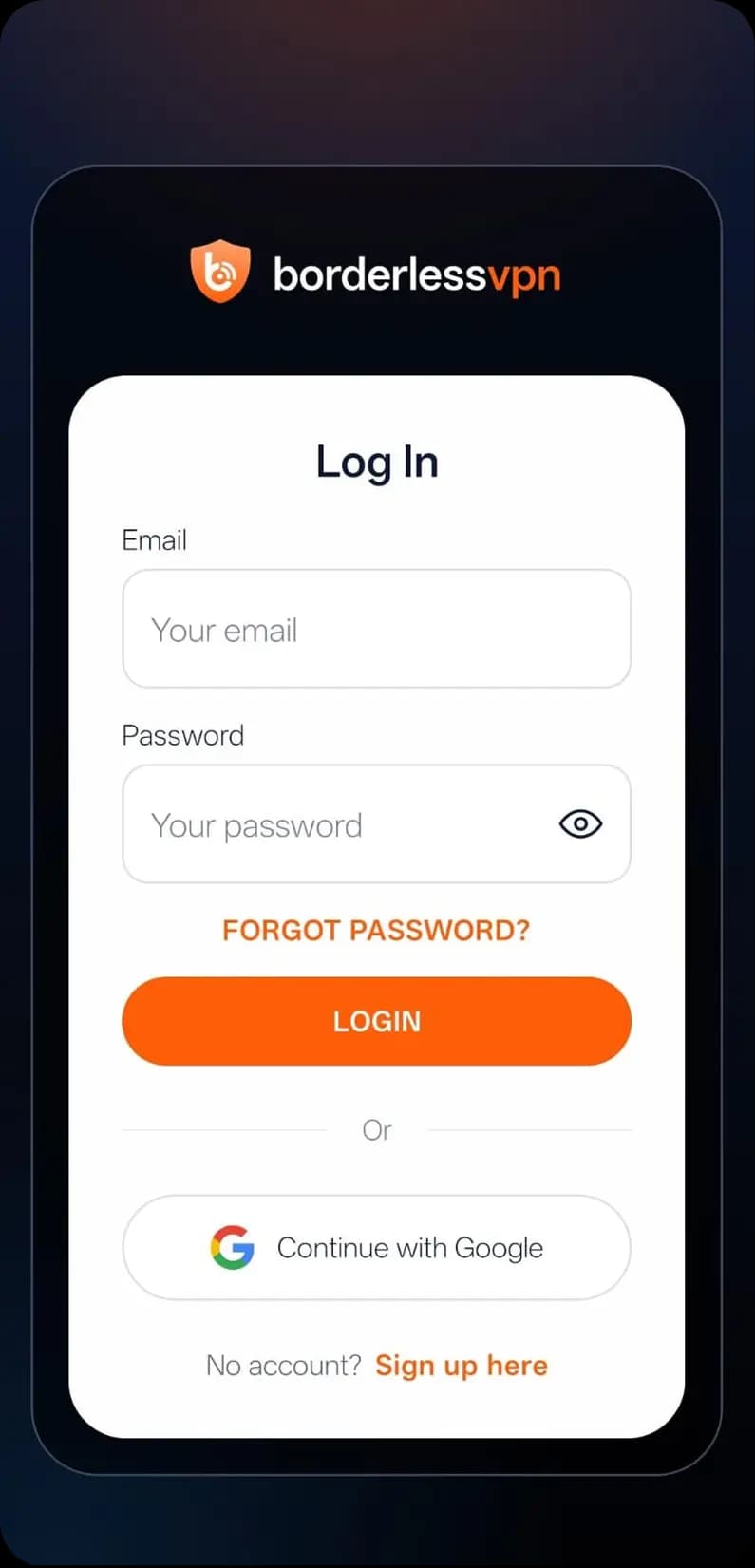
Sign In to Your Account
Log in with your username and password.
- 4
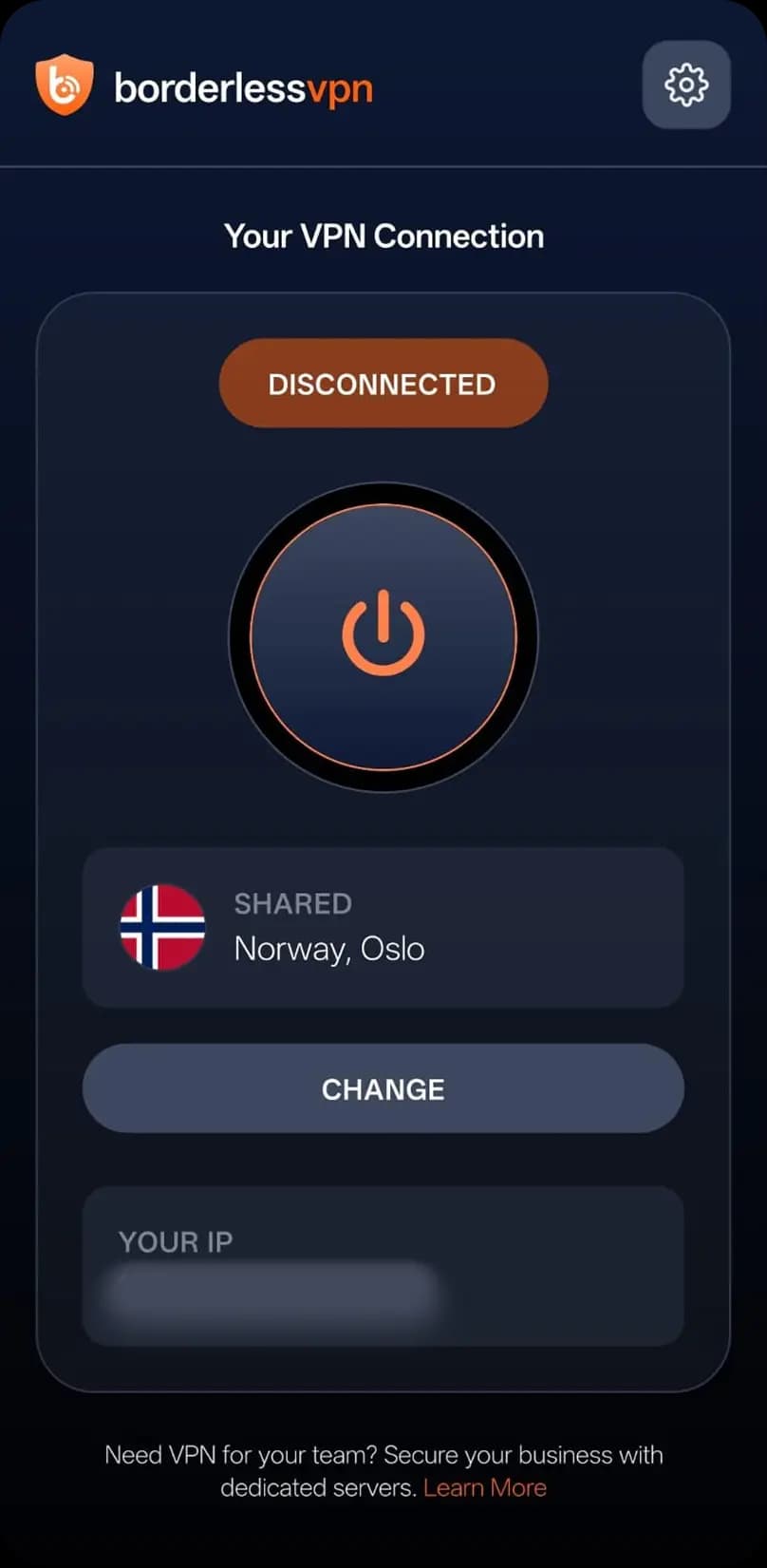
Connect to Server
After signing in, select the server you want to connect to. Tap Connect to start the VPN connection.
- 5
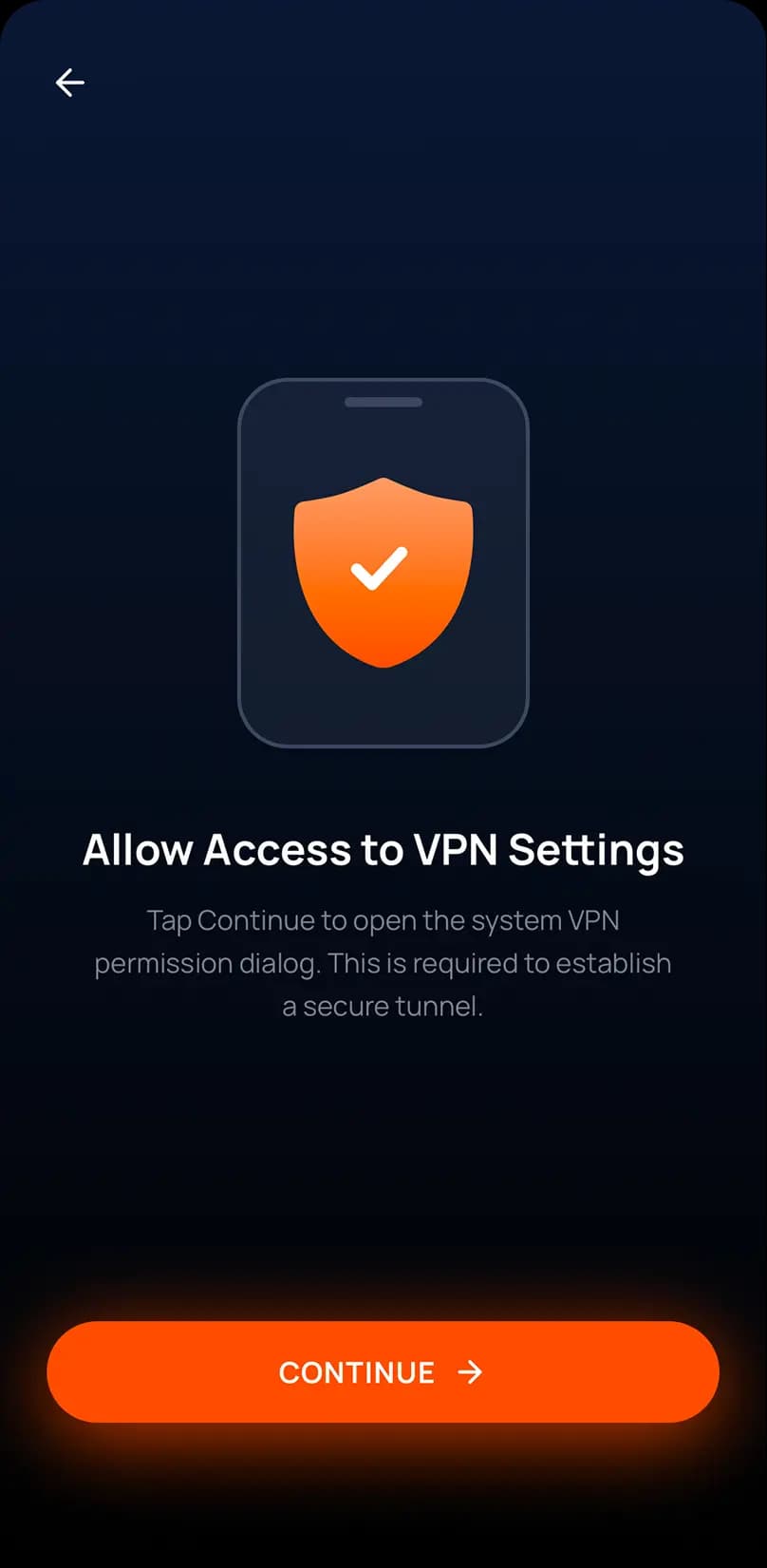
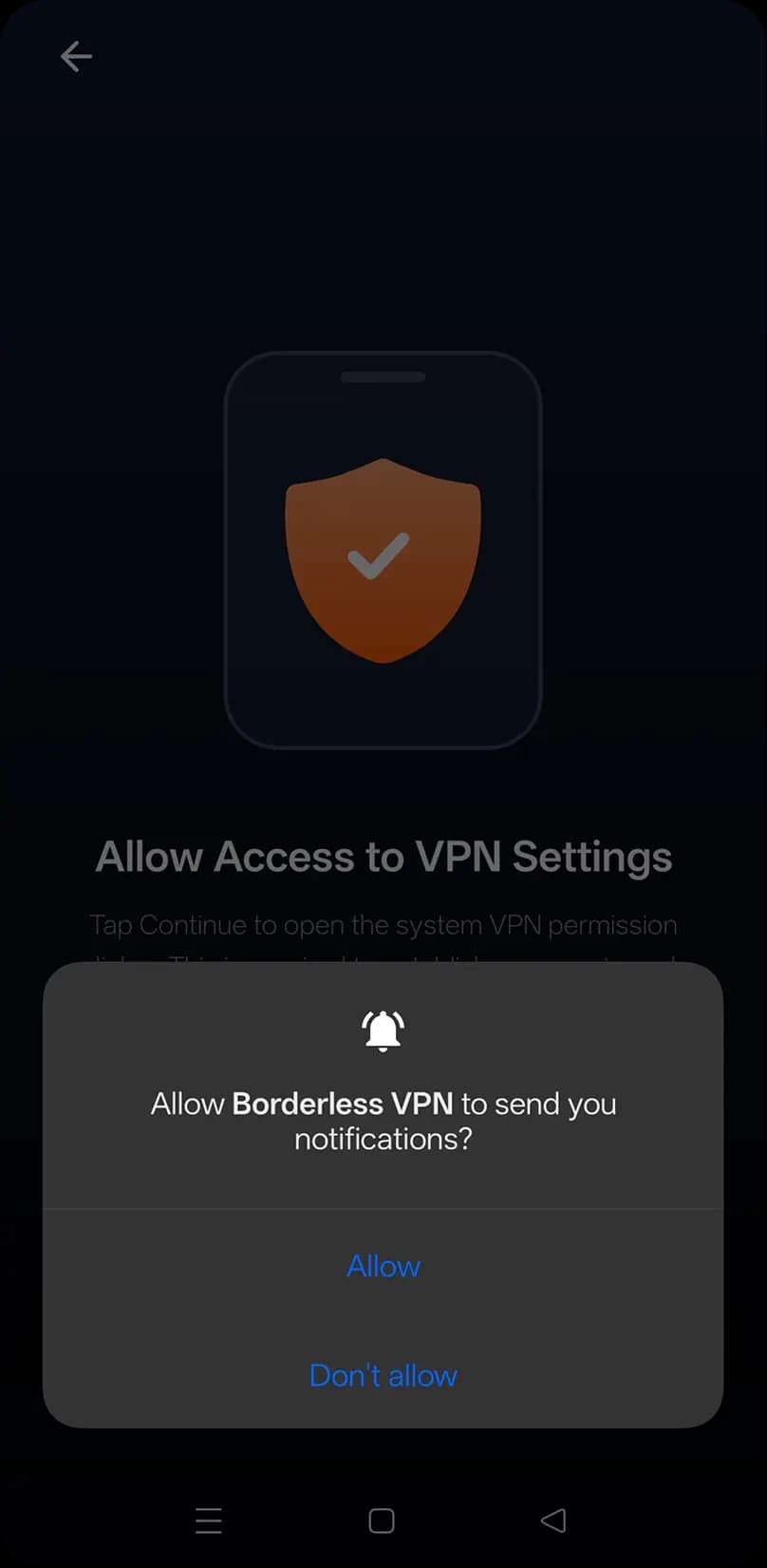
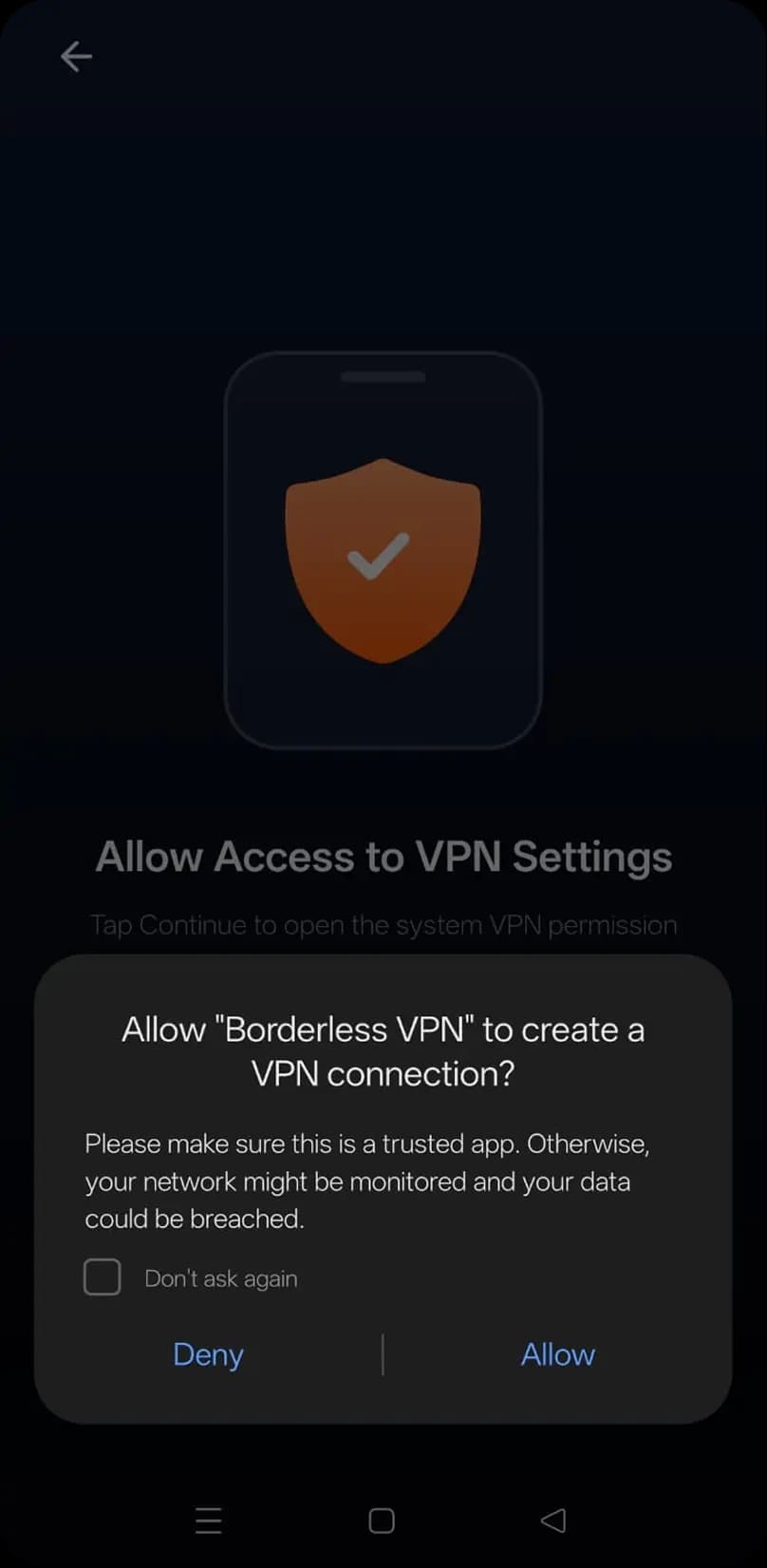
Allow VPN Configuration
Allow access to your device’s VPN settings and notifications, then approve the connection request to complete the setup.
- 6
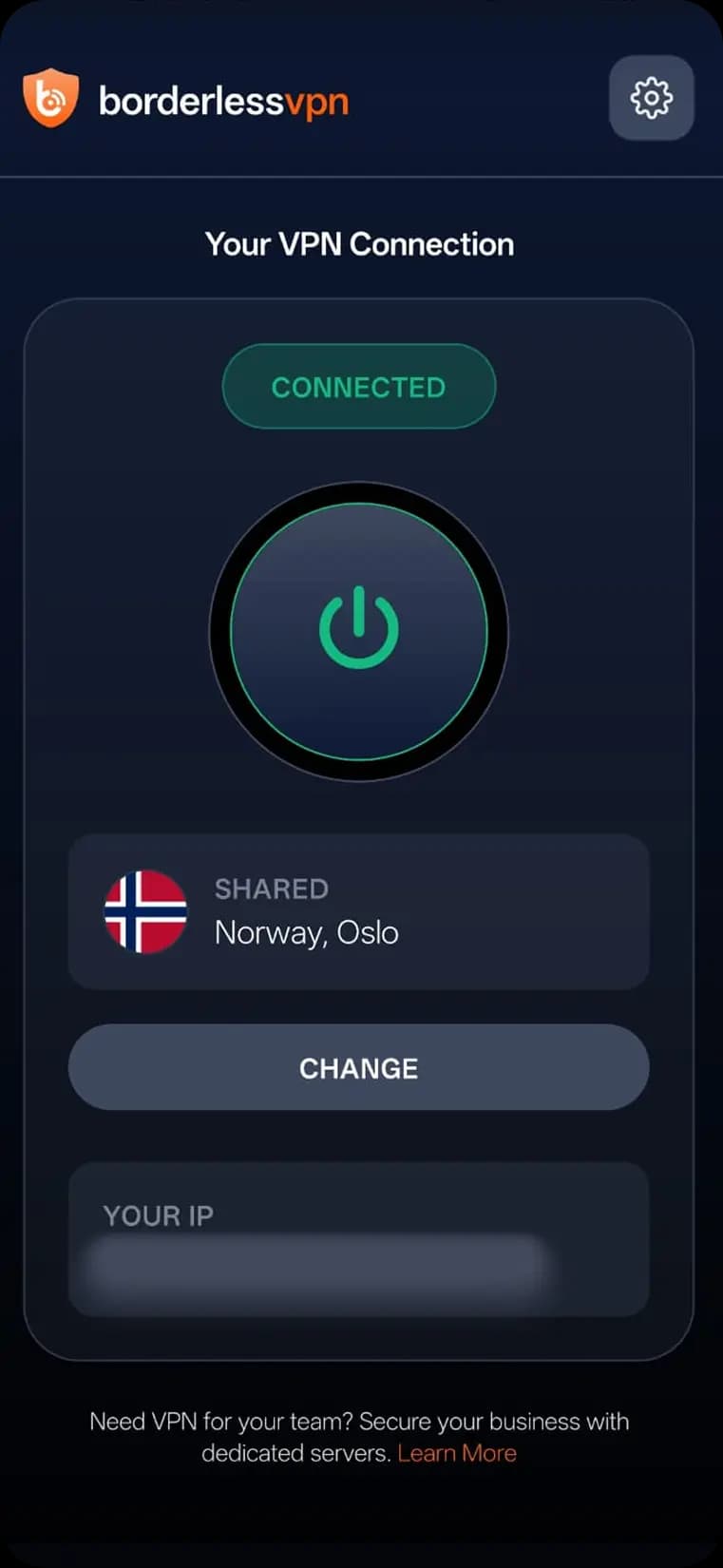
You’re Connected
Connection now established successfully.