How to set up BorderlessVPN on Windows
- 1
Download
Download the client from https://borderlessvpn.io/connect/ Then open and install the client. All new devices must use 64-bit version, but older devices must use 32-bit version.
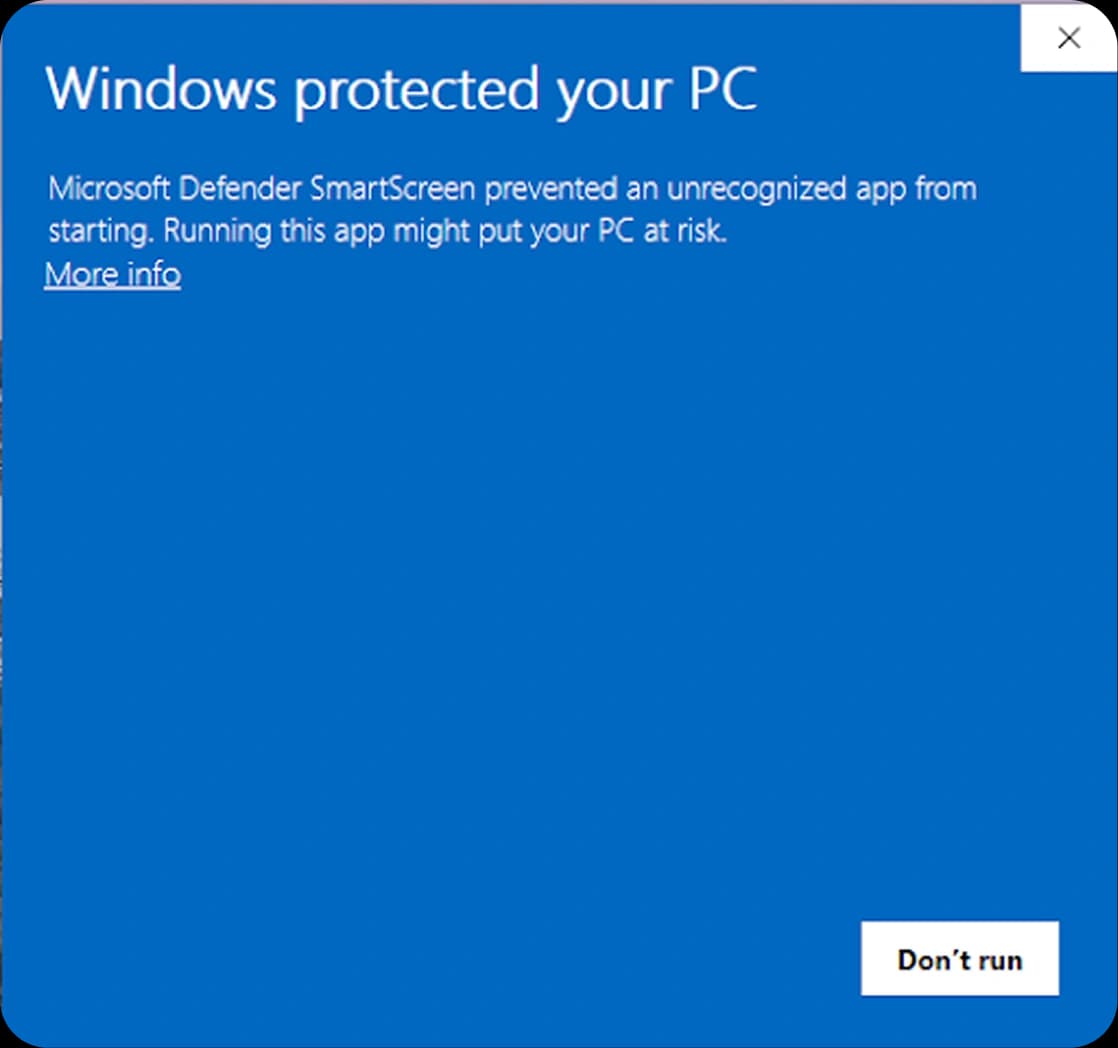
- 2
Install the App
Run the installation. Click "Install"
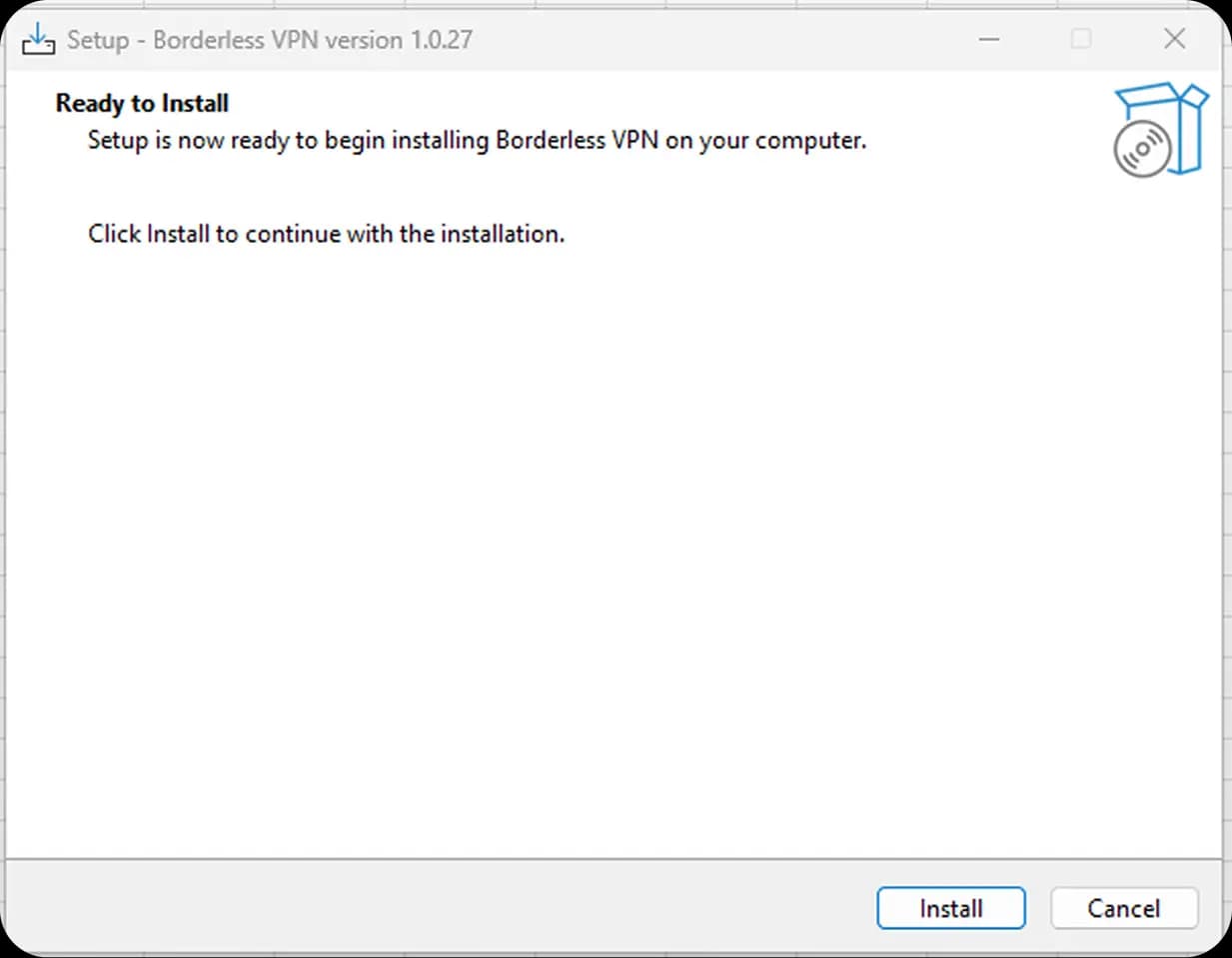
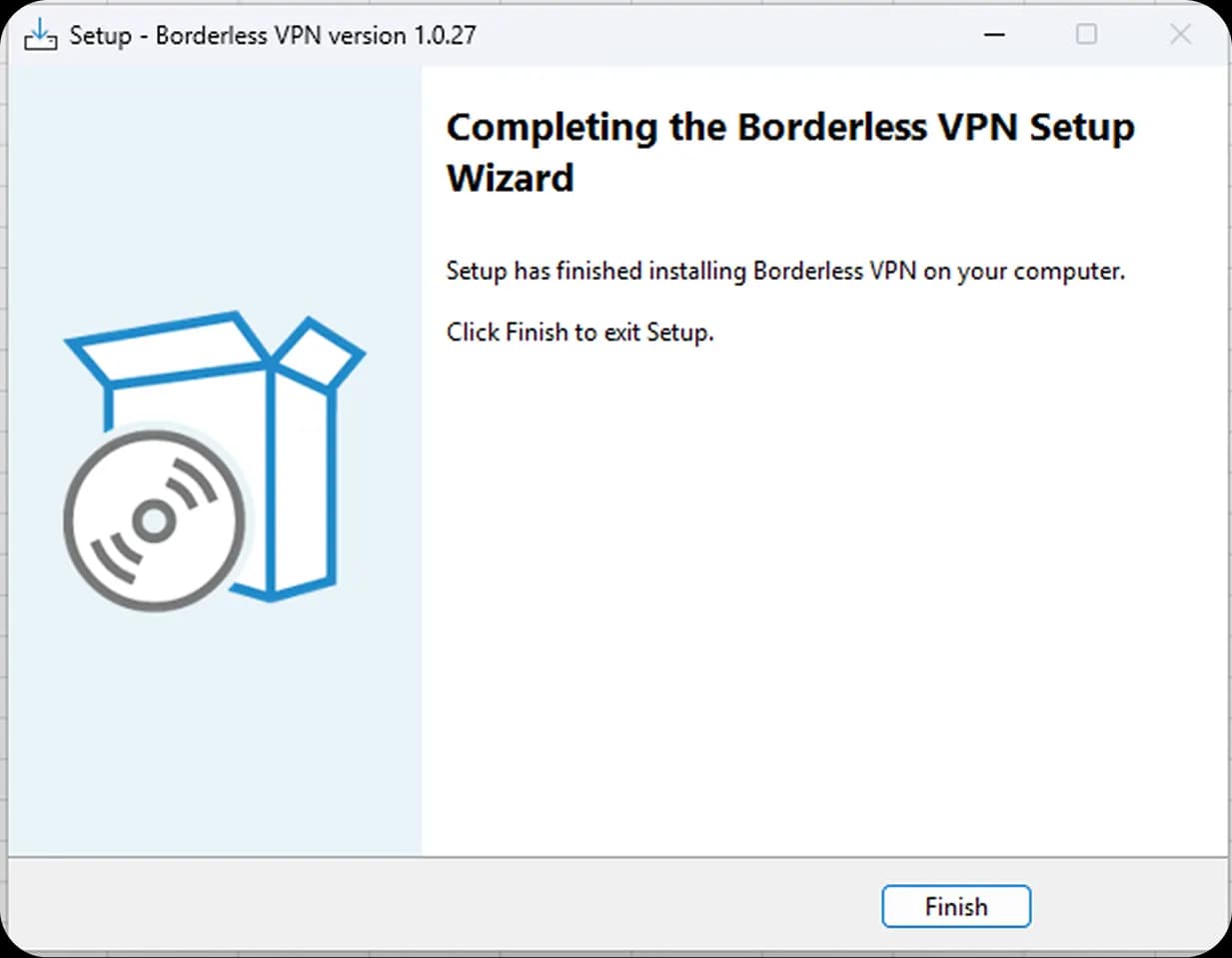
- 3
Run the Program
Start BVPN from desktop and log in with your username and password.
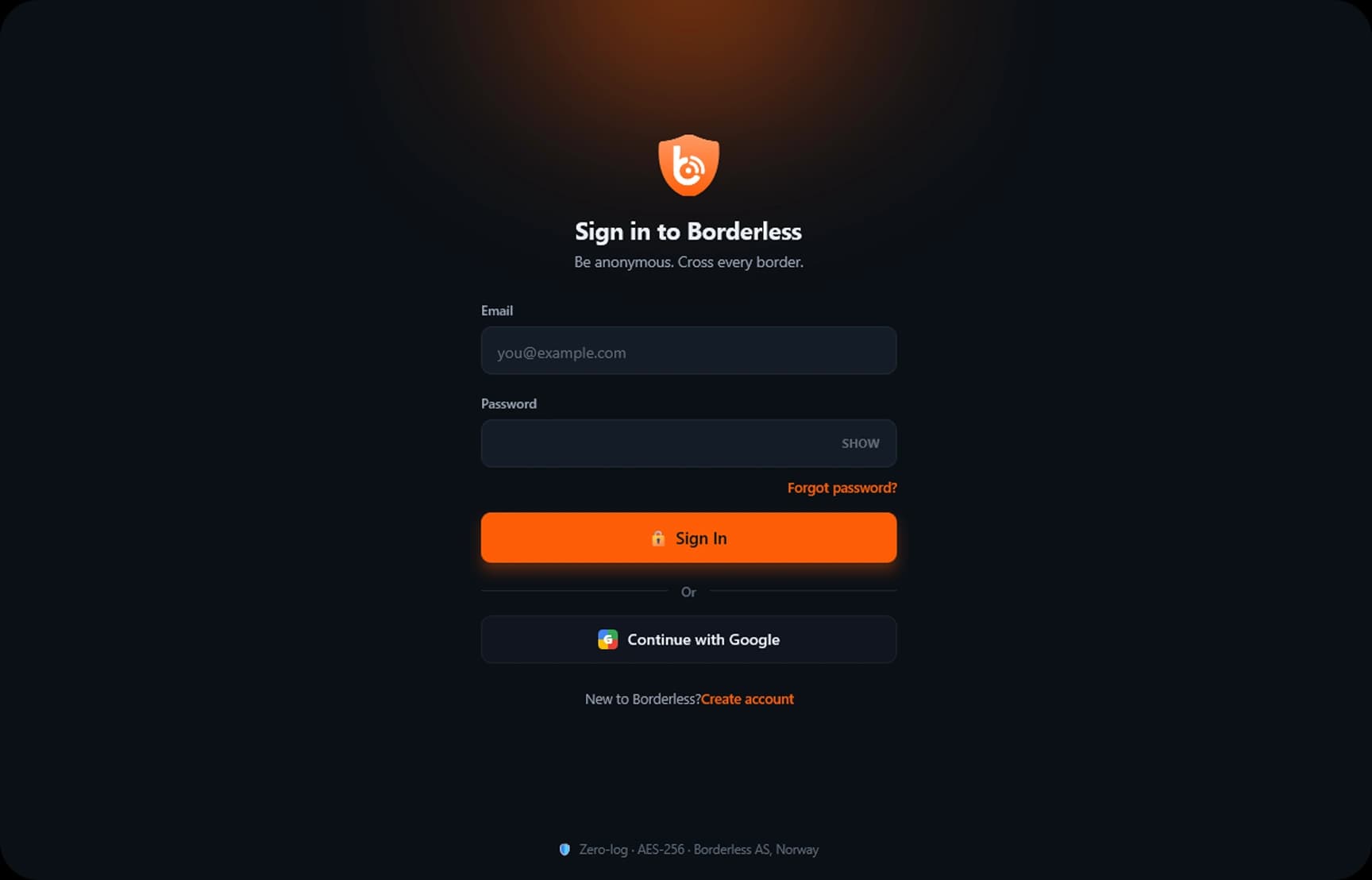
- If you have a old, or non existing TAP driver the program will install this for you.
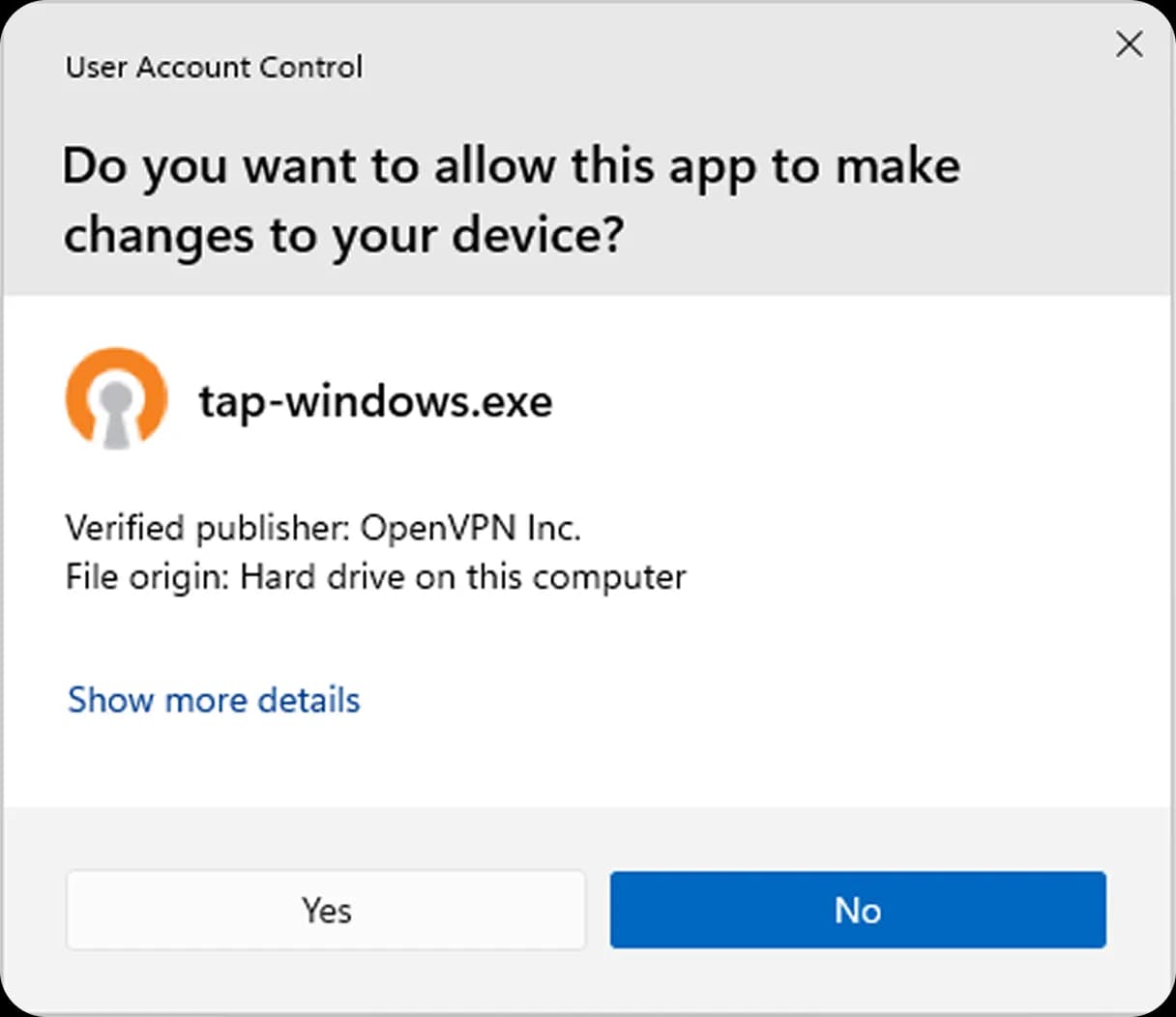
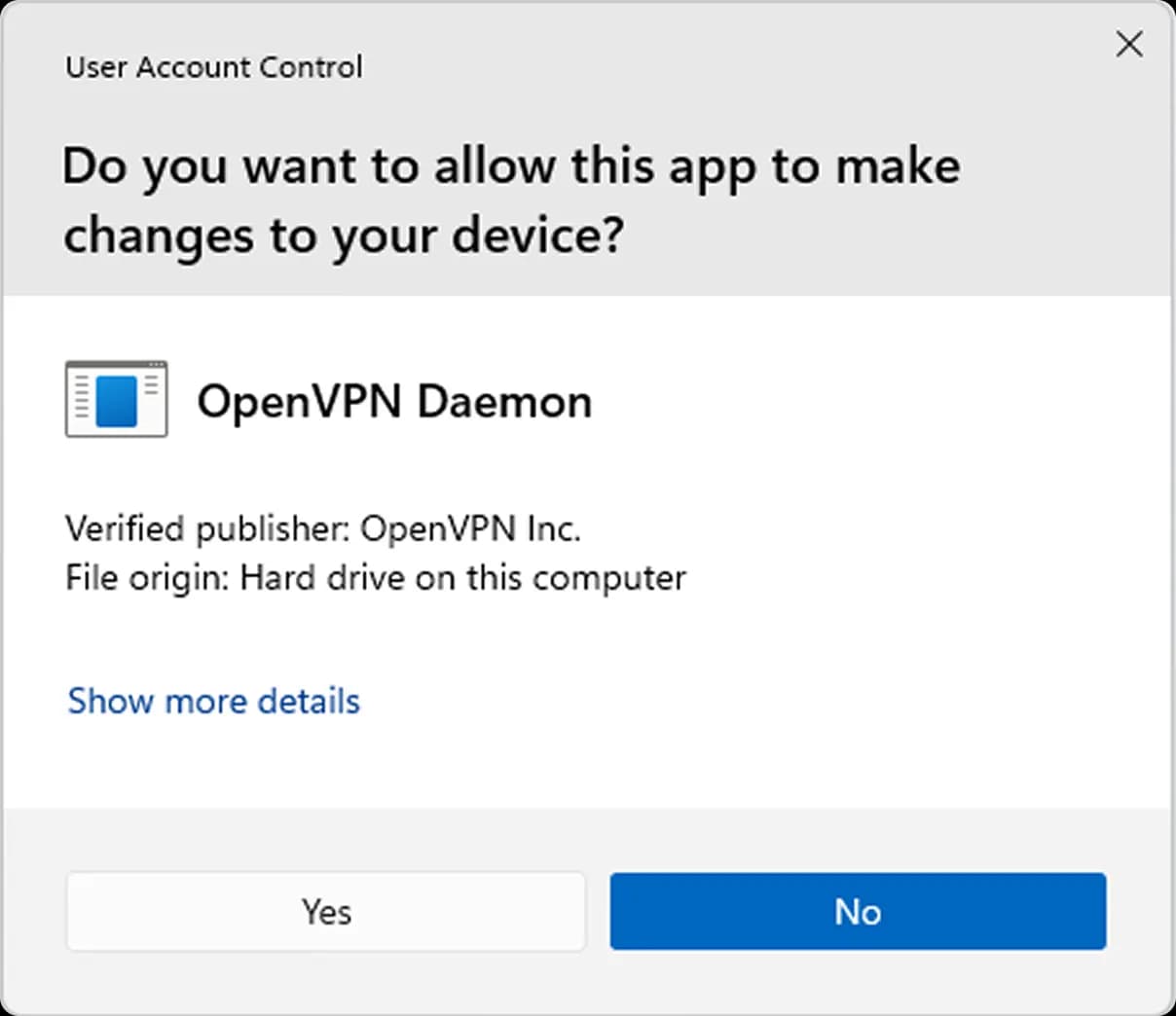
- If you have a old, or non existing TAP driver the program will install this for you.
- 4
Connect to server
- Its time to connect a server.
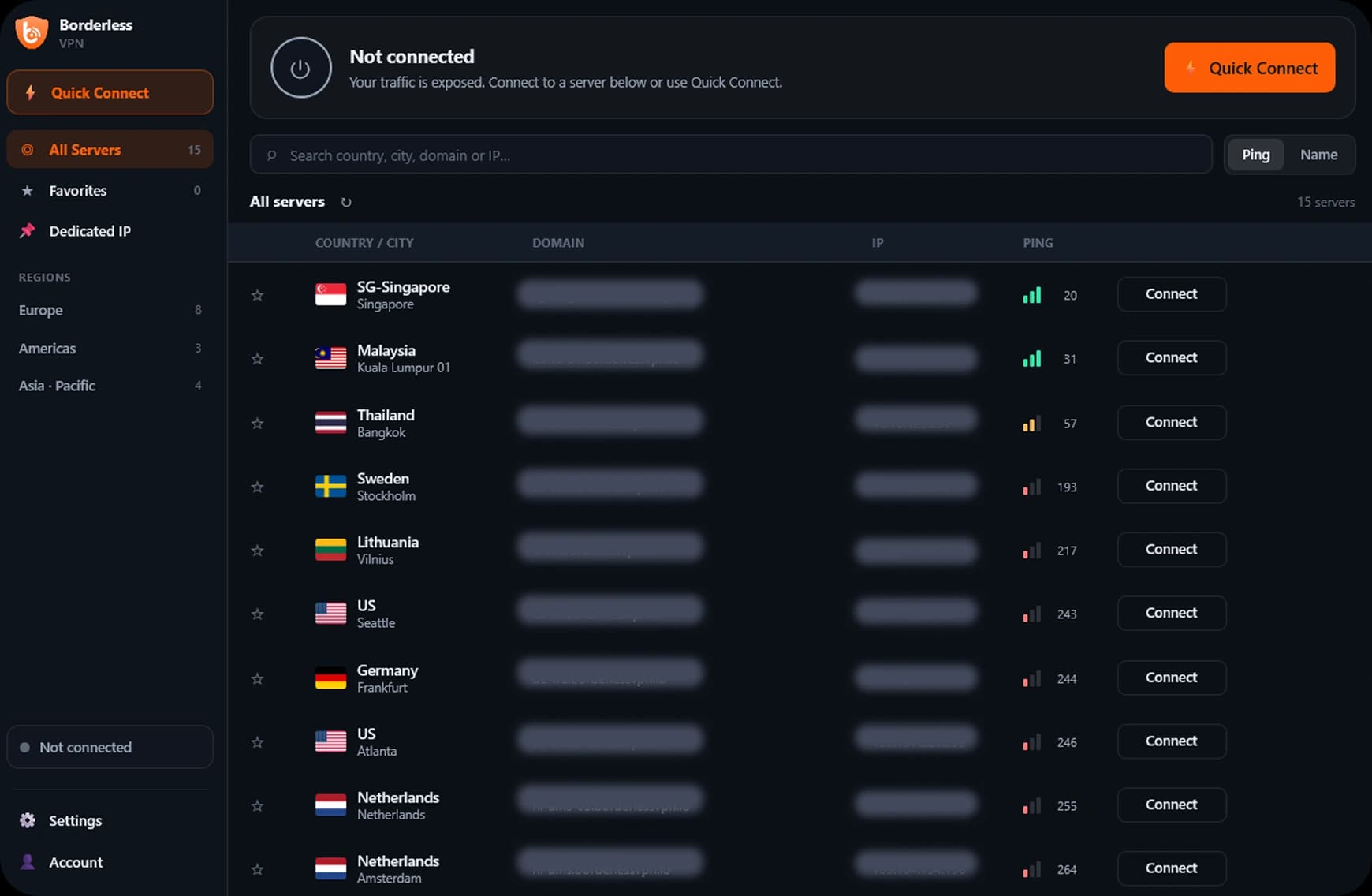
- On the next connection, allow access to OpenVPN Daemon by clicking Yes.
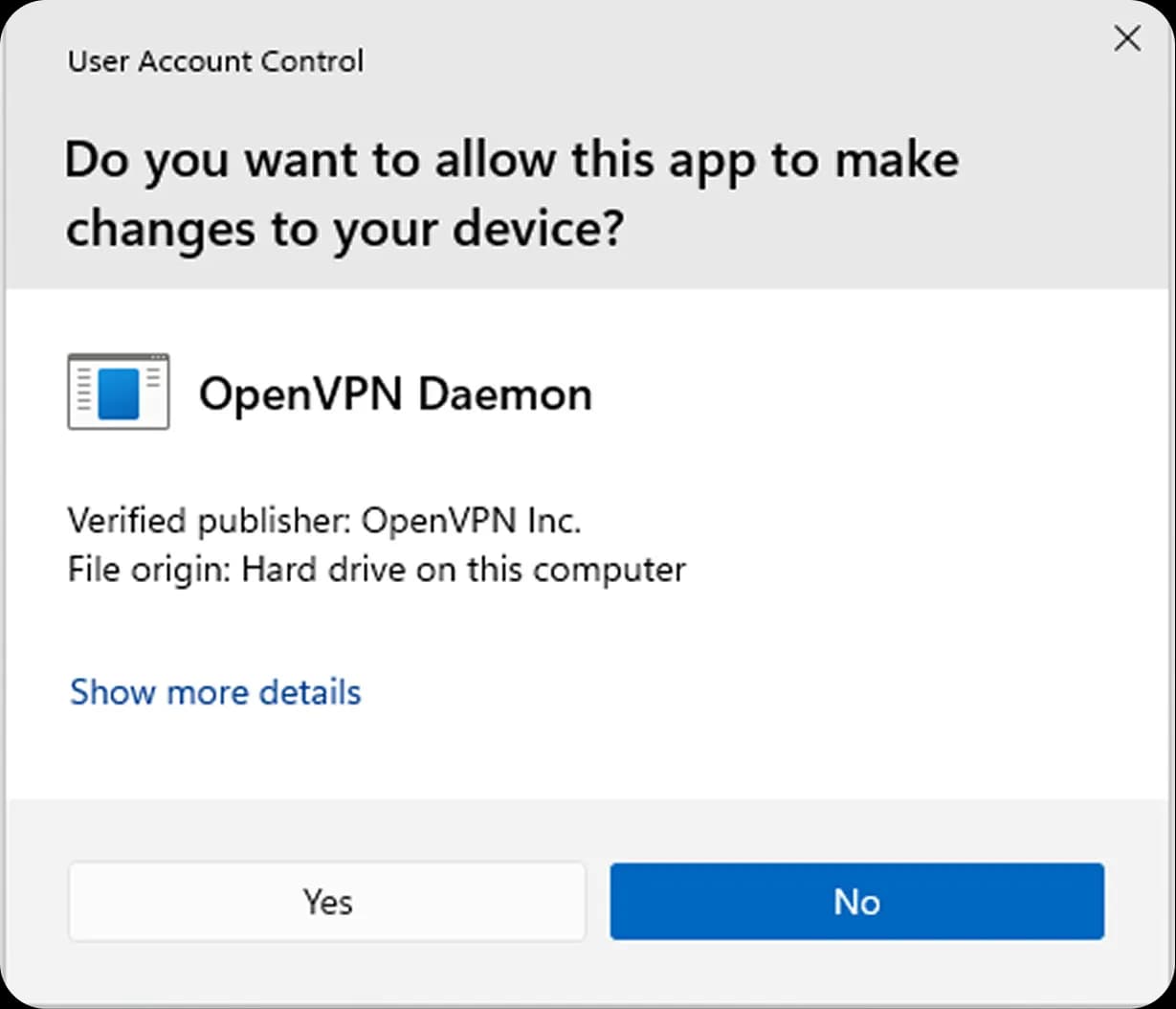
- Its time to connect a server.