How to set up BorderlessVPN on Linux
- 1
Install Software
This guide is based on a fresh install of Ubuntu 16.04 desktop version. Install the follow package: Network-manager-openvpn-gnome
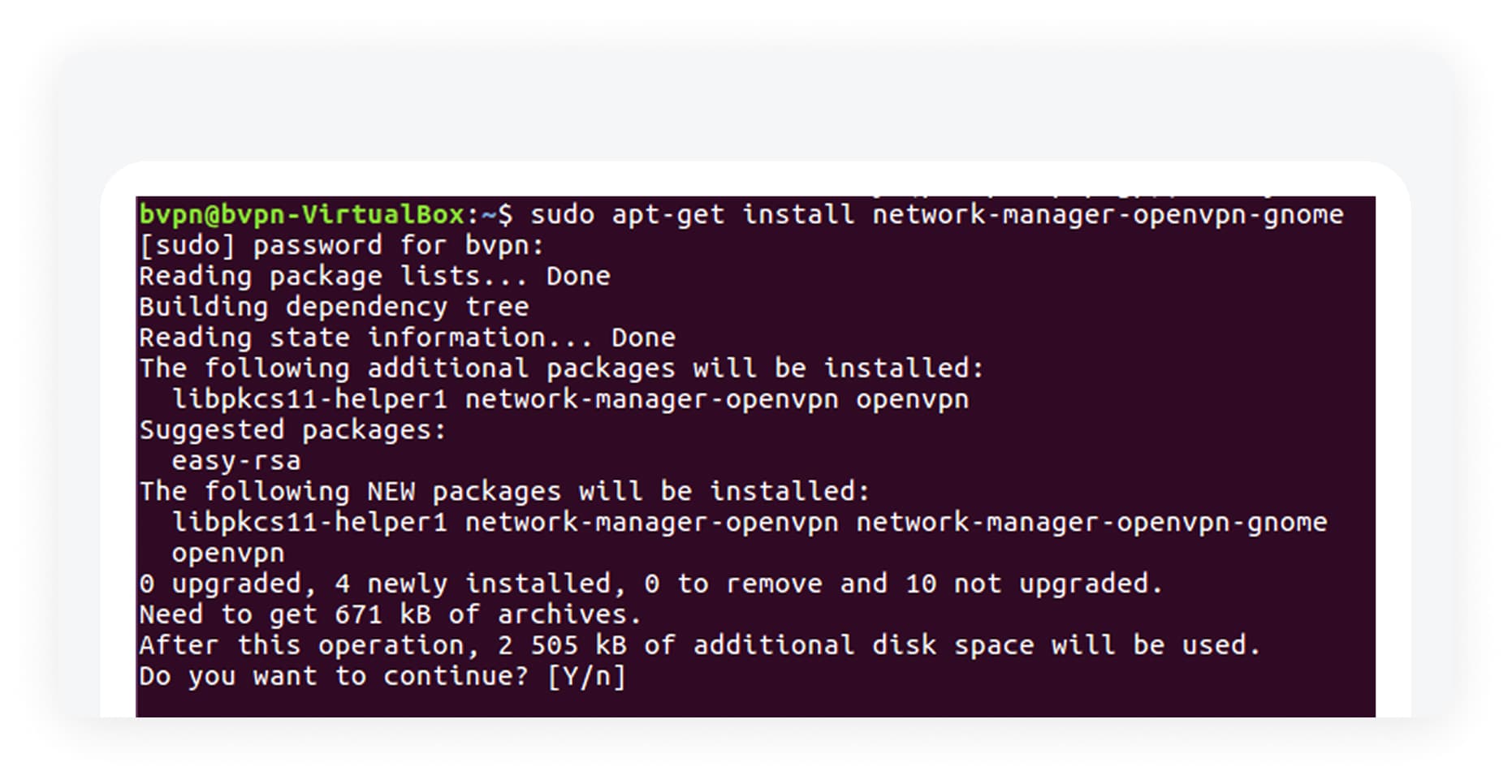
- 2
Import configuration
- Find the network-settings in the menu, and edit connections. Import and save the configuration.
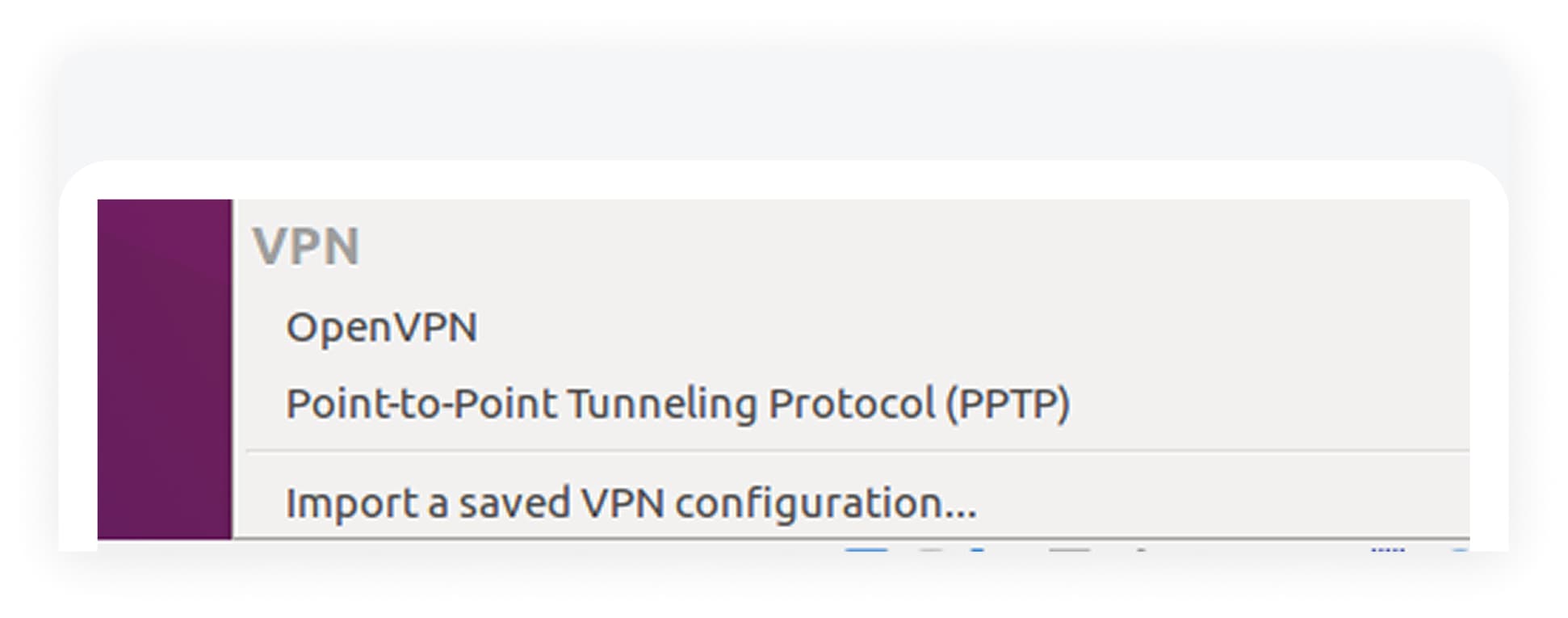
- Go to our server config database and select what site you want to connect to, or the bundles zip file.
Unzip the file and there should be ovpn config files and a certificate.
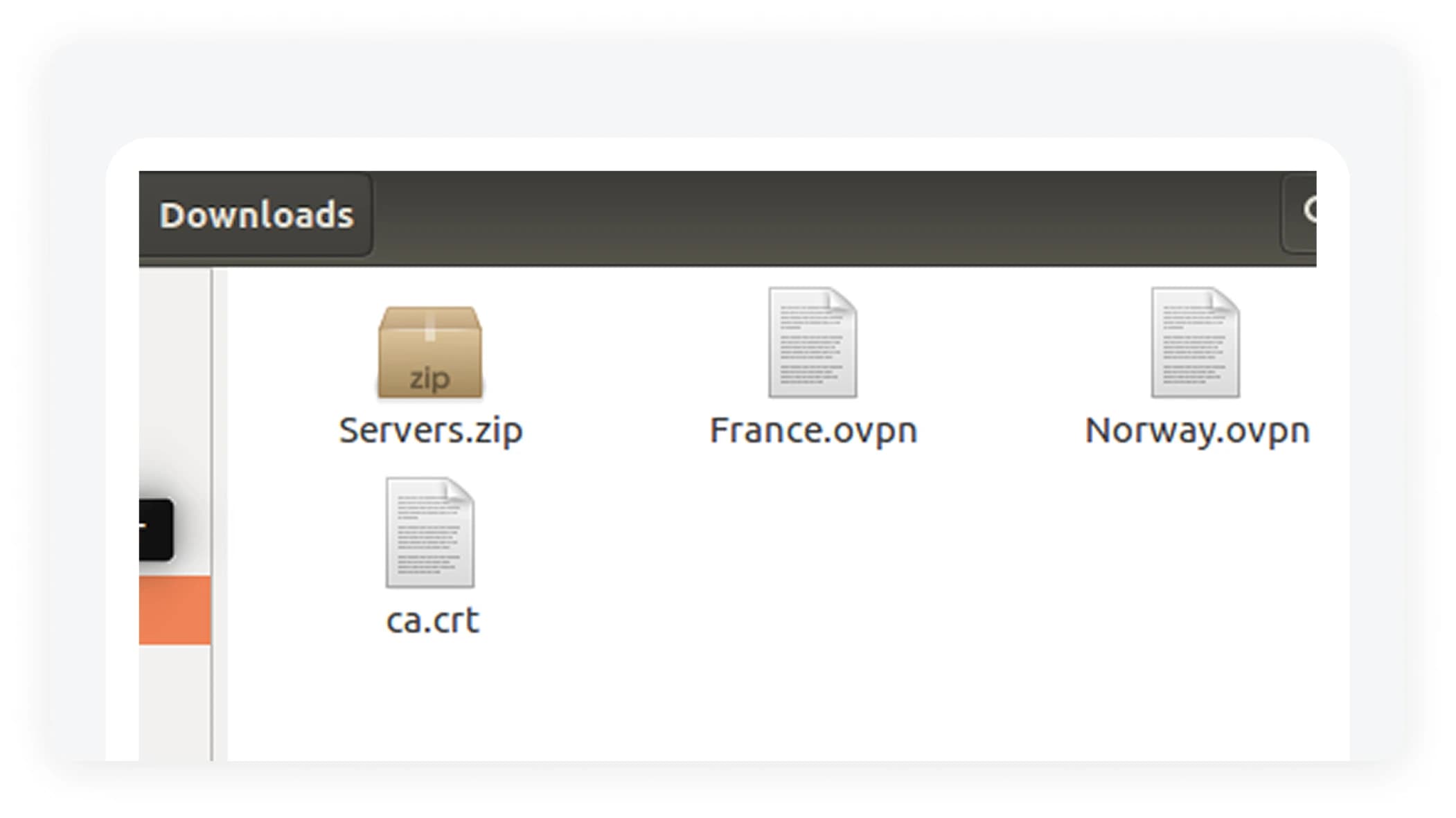
- Import a configuration from your download folder. Insert your username and your password and select Save.
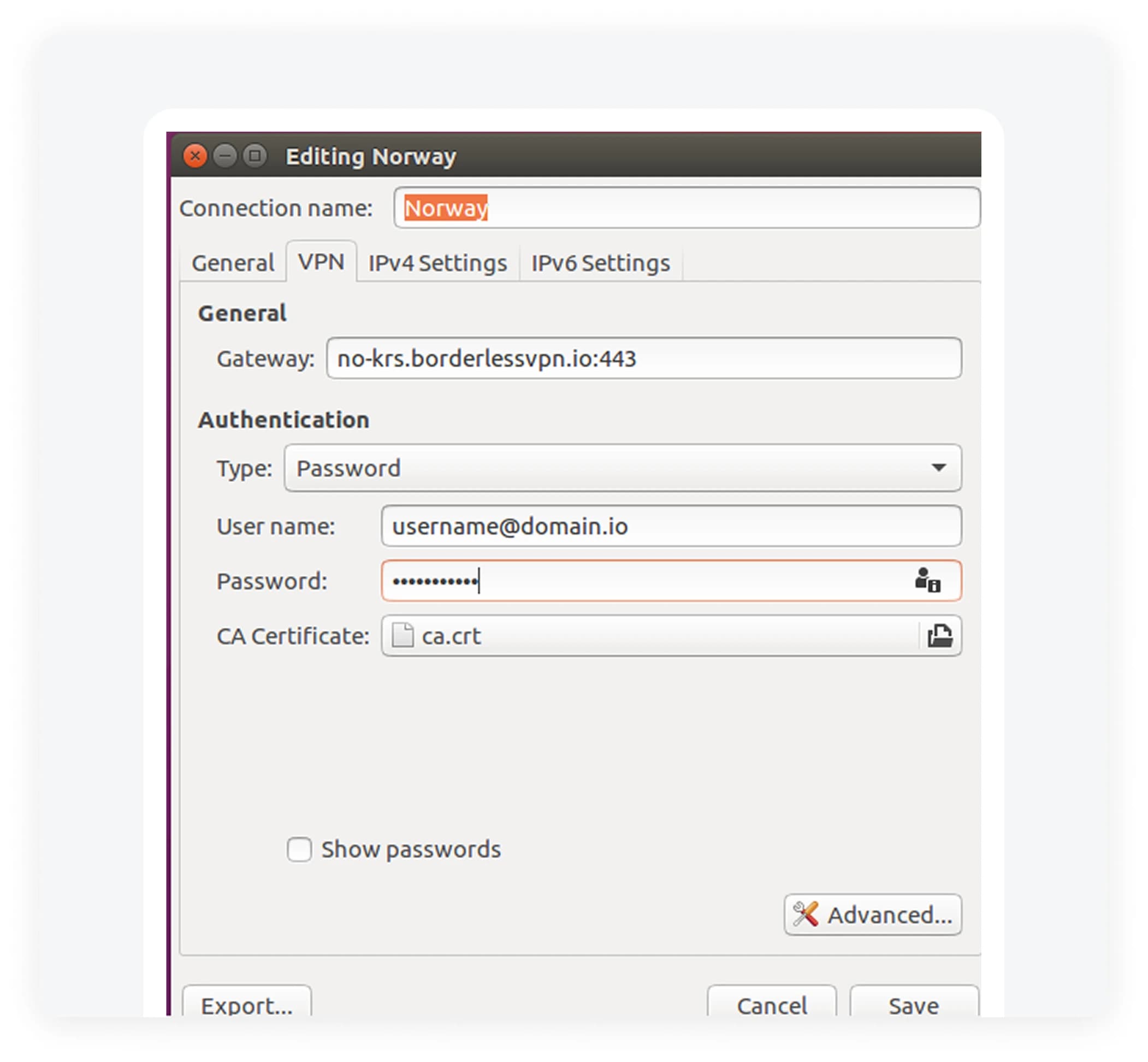
- Find the network-settings in the menu, and edit connections. Import and save the configuration.
- 3
Connect
- Now there should be a new VPN connection in the network-manager.
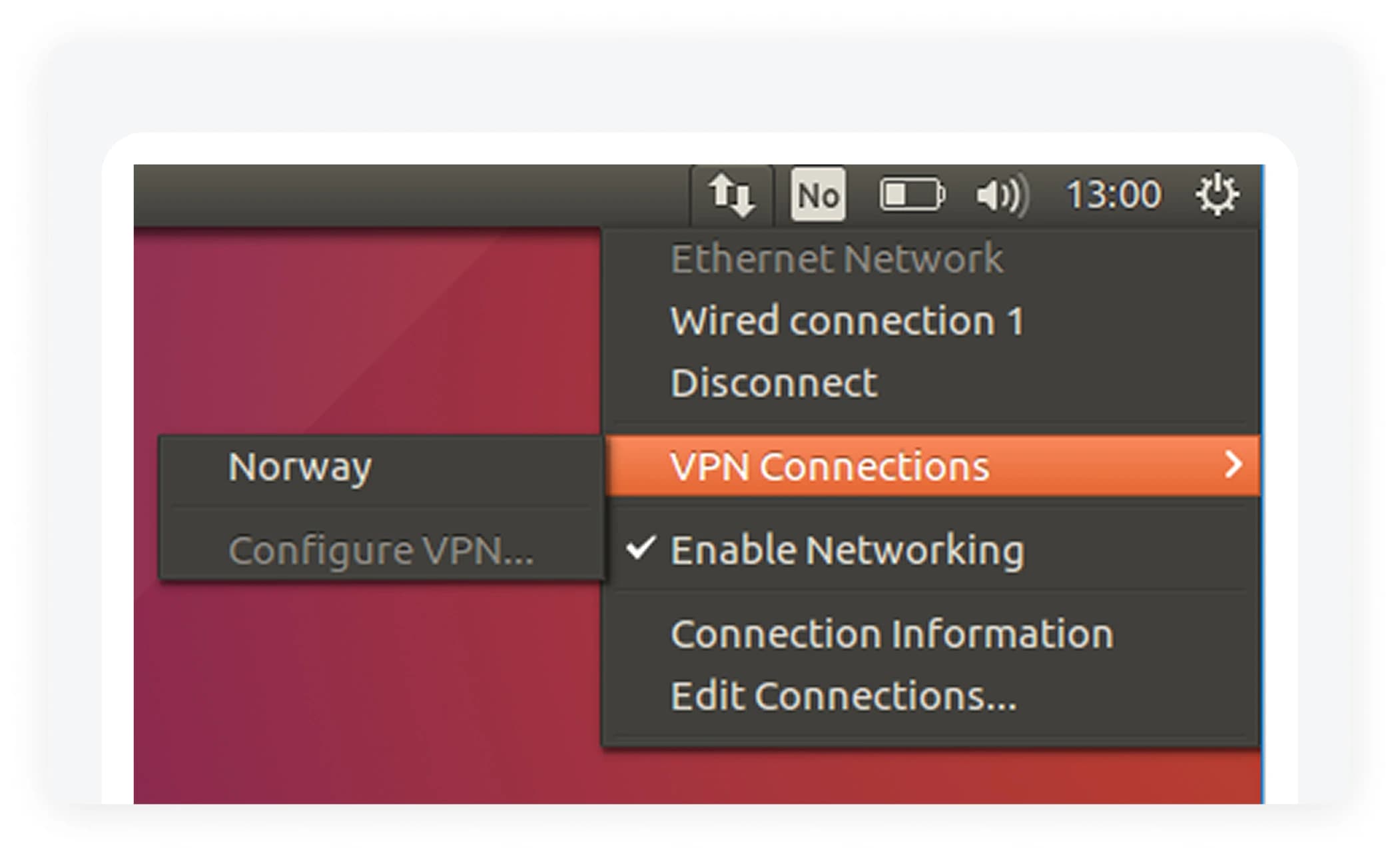
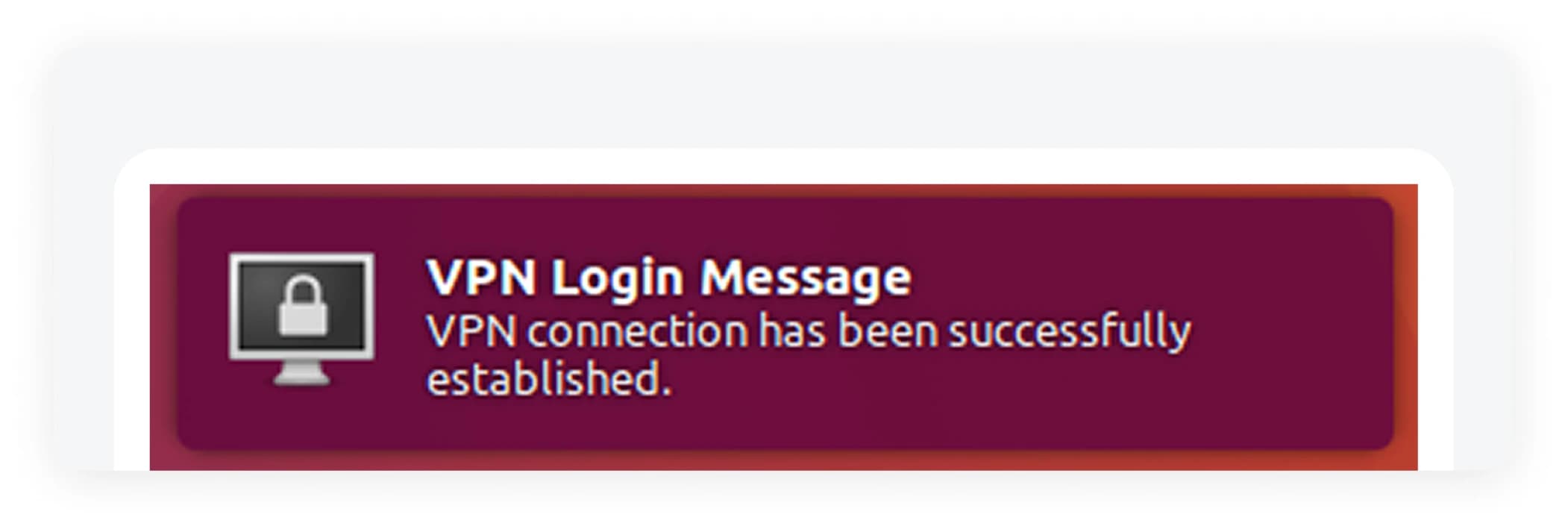
- Select “Norway” (or any other site you have added) and you should be connected.
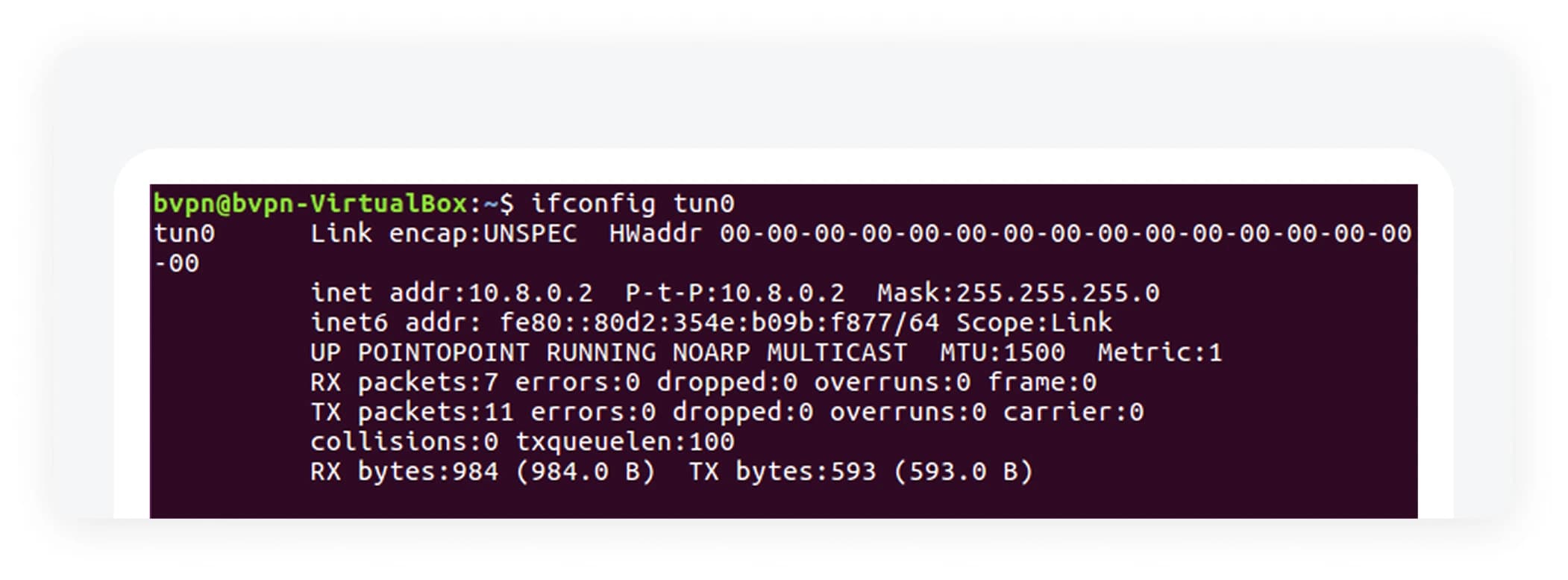
- You can also confirm that everything is connected by checking if there is a tun0 network-interface available.
- Now there should be a new VPN connection in the network-manager.